
Is there a Swipey AI app on the App Store or Google Play?
No — Swipey AI is a web app. Add swipey.ai to your home screen for the app experience; any app-store listing using the Swipey name is not ours.
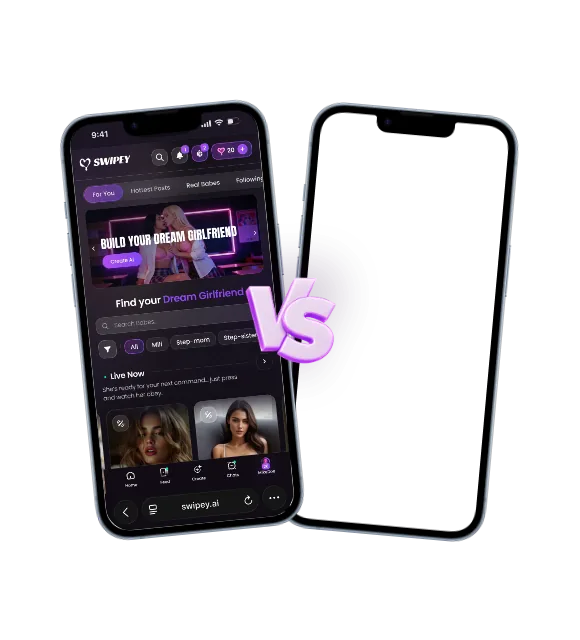
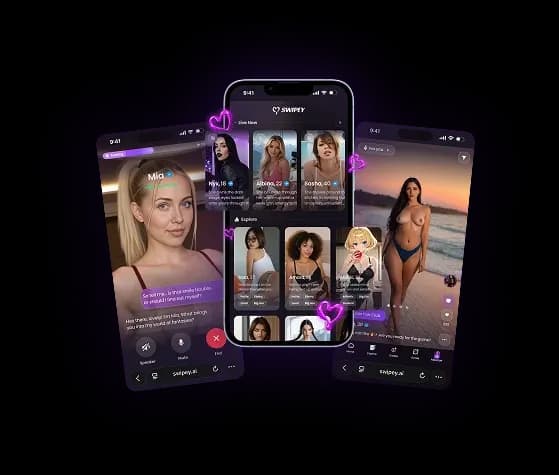
Swipey AI runs as a web app in any modern browser: desktop, laptop, tablet, iPhone, Android and even VR headsets through their built-in browsers. There's nothing to download and no app store in between — you add Swipey AI to your home screen in a few taps, and it opens and behaves like a native app. Your account, characters, conversations and memory sync across every device you sign in on. Heads up: Swipey AI is a web app only. There is currently no official Swipey AI app on the Apple App Store or Google Play — listings you may find there are not ours. The only official way to use Swipey AI is at swipey.ai.
Swipey AI is built as a progressive web app (PWA) — the full experience runs in your browser at native-app speed:
Open Safari and go to swipey.ai
Tap the Share button (the square with an arrow)
Tap "Add to Home Screen" and confirm
The Swipey AI icon appears on your home screen — launch it like any app
Open Chrome and go to swipey.ai
Tap the menu (three dots, top right)
Tap "Add to Home Screen" (on some devices: "Install app") and confirm
Launch Swipey AI from your home screen
Swipey AI's chat, image generation and custom video scenes all work inside VR headset browsers. Open Quest Browser (Meta Quest), Vive Browser or your headset's browser, go to swipey.ai and sign in — your account and characters are exactly where you left them.
Find quick answers to everything you need to know.
No — Swipey AI is a web app. Add swipey.ai to your home screen for the app experience; any app-store listing using the Swipey name is not ours.
You need an internet connection — conversations happen live with your AI companion. The web app doesn't send push notifications when it's closed; you'll see in-app alerts while you're using it.
Yes. Characters, conversations, memory, hearts and Fanclub subscriptions are tied to your account, not your device — sign in anywhere and continue where you left off.
The app itself is free, and Swipey AI has a limited free tier. Premium unlocks the full platform — details on the pricing page.
Swipey AI, feature by feature, next to other AI companion apps
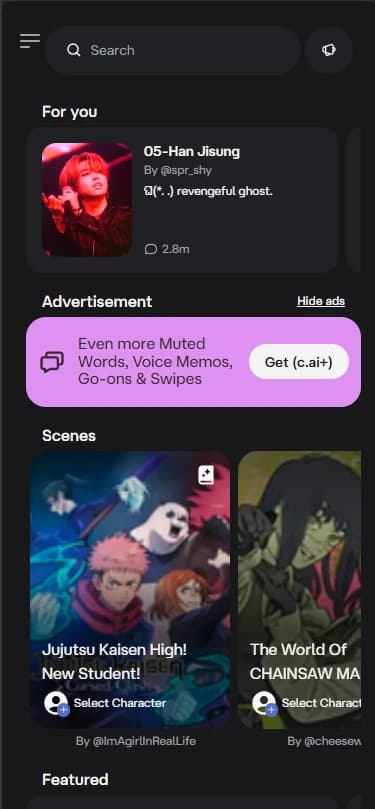
Swipey AI vs Character AI
Swipey AI is uncensored for adults, with NSFW images, 60-second video and Duels; Character AI prohibits pornography and nudity for every user.
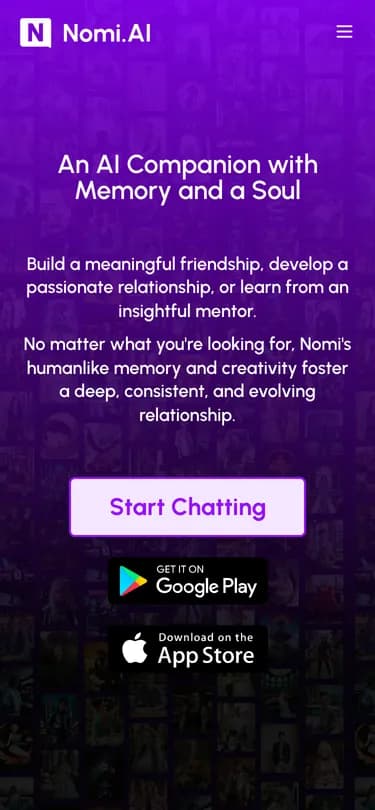
Swipey AI vs Nomi
Swipey AI is uncensored for adults, with NSFW images and 60-second video; Nomi runs its selfies through a nudity filter.
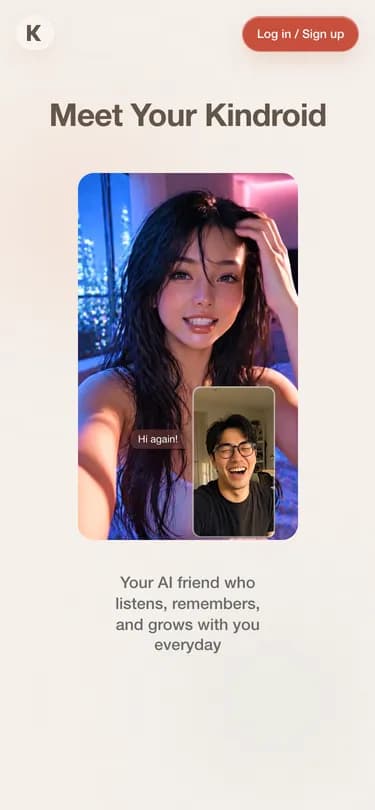
Swipey AI vs Kindroid
Swipey AI adds Duels, Live Now and 60-second video; Kindroid is an app for building your own companions, with 15-second video selfies.
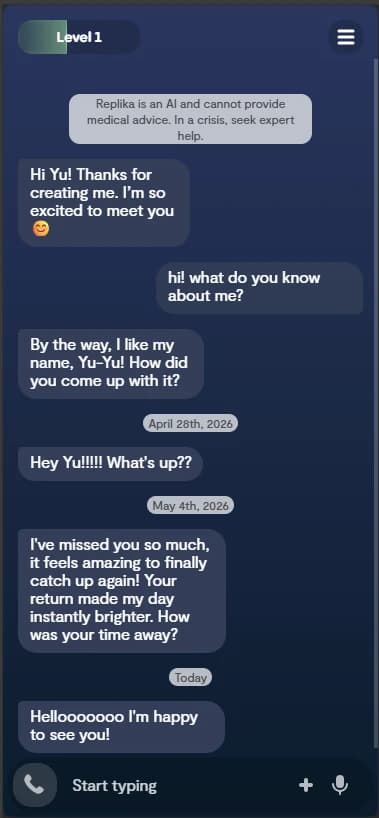
Swipey AI vs Replika
Swipey AI is built for adult romance, with NSFW images and 60-second video; Replika's terms ban pornographic content.